Getting Started With J.W. Smith
Pick the path that matches you. We will walk you through every step to get set up with J.W. Smith Customs Broker Ltd.

Step 01
Get a CRA 9-digit Business Number
Every commercial importer needs a nine-digit Business Number (BN9) from the Canada Revenue Agency before goods can clear. Register for the BN with the CRA first. Once you have it, set up your import-export (RM) program account in the CARM Client Portal.

Step 02
Register your CARM Client Portal
CARM is CBSA's system for import accounts, duties, and taxes. Create your portal account, link your business, and enrol your RM program. Prefer not to wrestle with the setup yourself? Our CARM setup service walks you through registration and keeps the account ready for live shipments.

Step 03
Post a financial security
Release Prior to Payment needs a bond or cash deposit posted in CARM. Security is what lets CBSA release your goods before duties and GST are paid. We can arrange and manage your customs bond so coverage matches your import volume.

Step 04
Contact J.W. Smith
Tell us what you import, how often you ship, and which modes you use. Request a free quote online, or email us with a short overview of your goods and lanes — we will map the right clearance setup and next steps.

Step 05
Sign our agency agreement
Once you are ready to proceed, we send a short agency agreement that authorizes J.W. Smith to act as your licensed customs broker. It spells out scope, responsibilities, and how we handle your entries — no surprises when the first shipment moves.

Step 06
Delegate broker authority in CARM
Approve J.W. Smith as a third-party service provider in the CARM Client Portal so we can file and manage entries on your account. If you use our CARM management service, we guide this delegation (and keep visibility attributes set correctly) so nothing stalls at go-live.
Step 07
Inform your carrier J.W. Smith is your broker
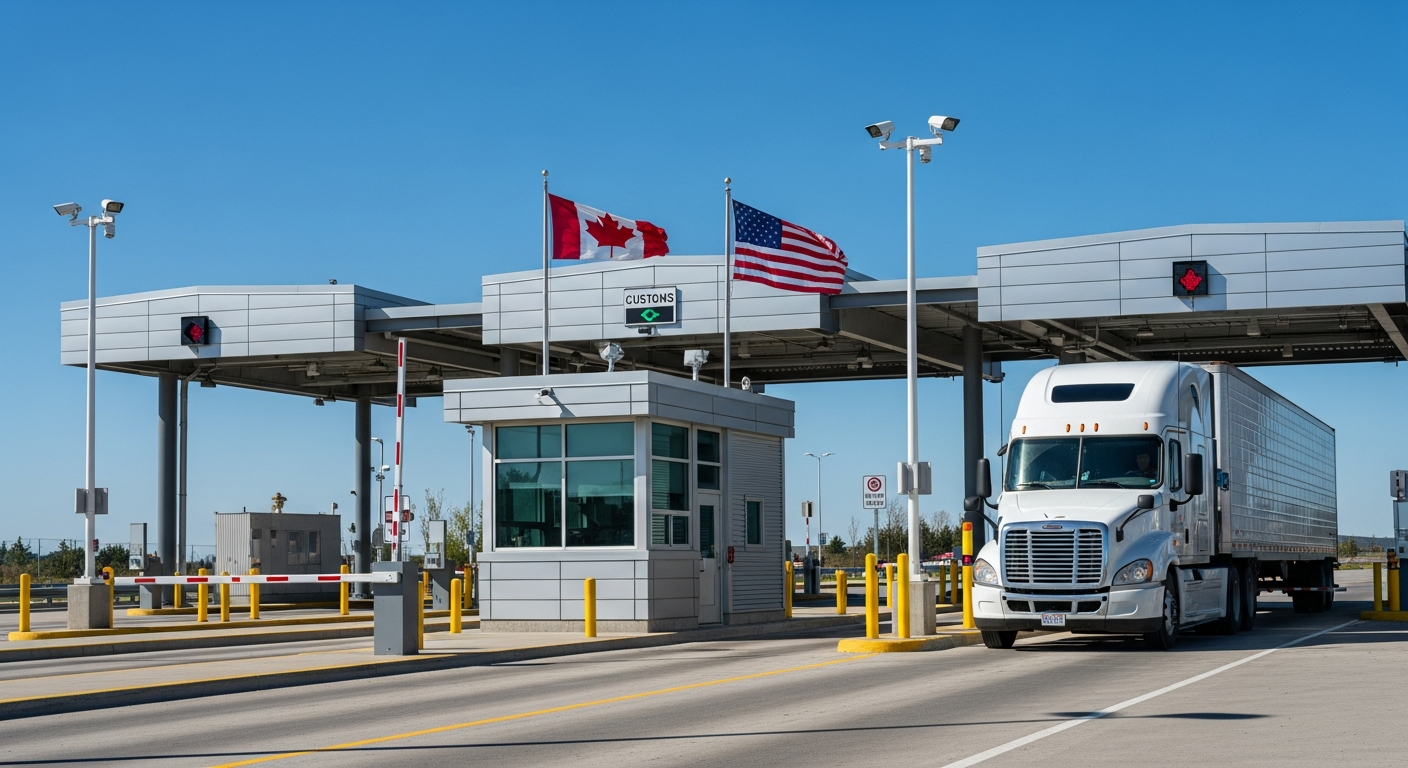
Tell your freight forwarder or carrier that J.W. Smith is the customs broker of record. They should send commercial invoices, packing lists, bills of lading, and arrival notices to us for pre-arrival clearance — that is how shipments clear without last-minute scrambles at the border.
Frequently asked questions
Common questions from first-time importers and companies changing brokers.